
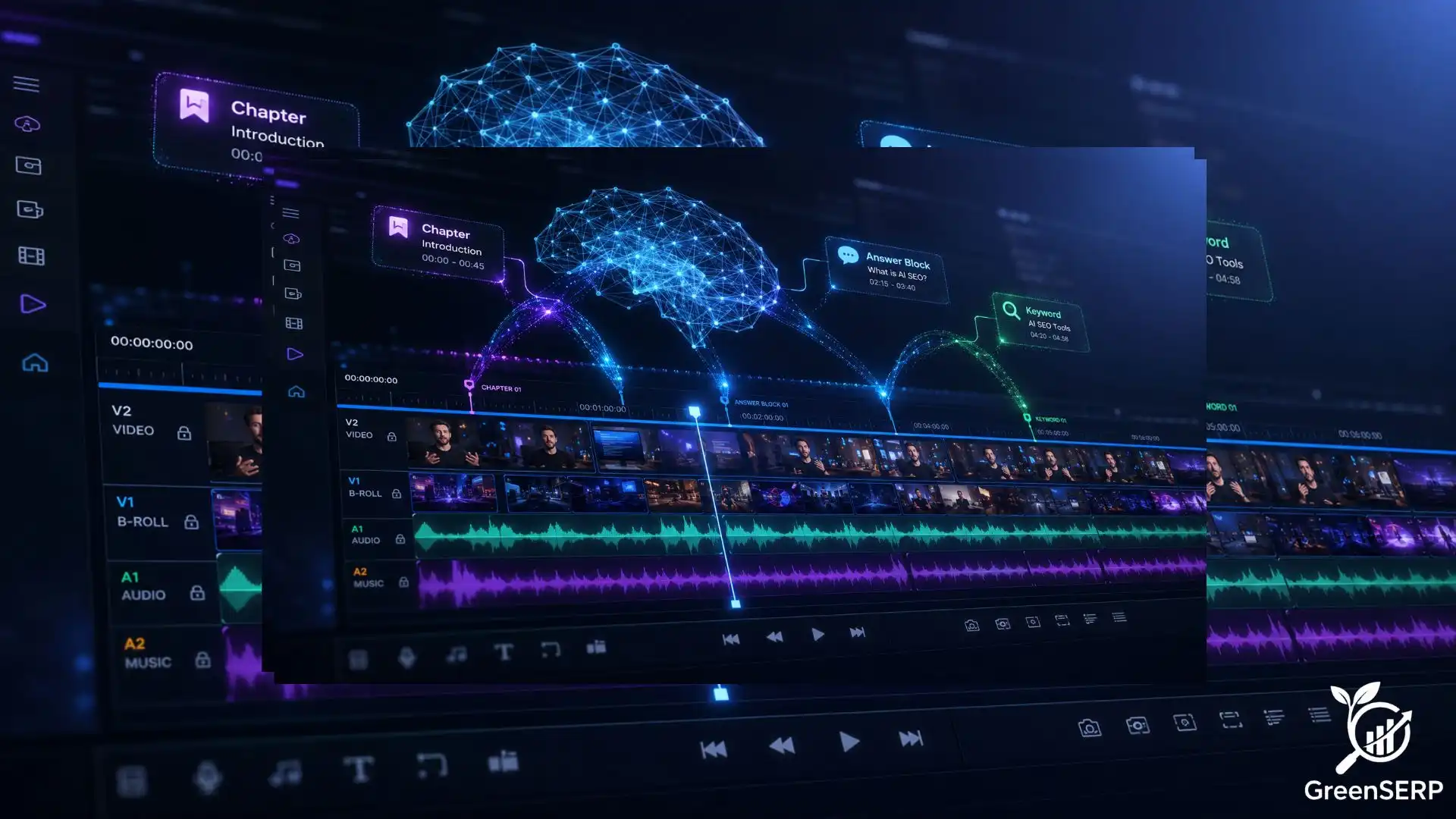
“Your best video content is invisible, unless you build it to be found.”
Imagine spending two weeks scripting, filming, and editing the most thorough tutorial your audience has ever seen. You upload it. You share it. And then… silence. Not because your content was bad ,but because the algorithm could not find the right moment inside it.
This is the reality millions of video creators face today. The rules of video discoverability have fundamentally changed, and most creators haven’t caught up.
Search engines no longer treat your video as a single piece of content. They treat it as a database. Google, YouTube, and AI‑powered search tools now scan inside your video. They analyse every word spoken, every line of text on screen, every visual transition. They search for the precise 30‑second moment that answers a user’s exact question. When they find it, they surface it. When they can’t, your video disappears behind a competitor who made theirs easier to read.
The good news? This is entirely within your control.
This article is your blueprint for building videos that AI can extract, index, and serve. You’ll learn how to structure chapters so algorithms can map your content in seconds. How to craft hooks that speak to both humans and machine‑learning models simultaneously, and how to engineer “answer blocks”, self-contained units of information designed to win featured snippets, Key Moments, and AI Overviews.
Whether you’re a solo creator, a content marketer, or a brand producing video at scale, the structural principles in this guide apply to every format, tutorials, product reviews, explainers, interviews, and beyond. You don’t need a bigger budget or a better camera. You need a smarter architecture.
By the end of this guide, your videos won’t just be watched. They’ll be found, extracted, and ranked.
Table of Contents
- The Shift to AI‑Driven Video Consumption
- How AI Uses AutoDetect to Index Content
- Strategic Chaptering: The Roadmap for Algorithms
- The Role of Hooks in AI Discovery
- Building “Answer Blocks” for Search Snippets
- Structuring Your Script for Machine Clarity
- Technical Requirements for AI‑Ready Video
- Checklist: Optimizing Your Video for AutoDetect
- Conclusion: The Future of Modular Video
1. The Shift to AI‑Driven Video Consumption
Video is no longer just a linear experience. In the past, viewers watched a video from start to finish. Today, both users and search engines treat video as a collection of data points. When you search for a specific solution on Google or YouTube, you often see a specific segment of a video rather than the beginning of the clip.
This change is driven by artificial intelligence. Search engines now have the capability to look inside your video files. They analyze the audio, the text on screen, and the visual transitions.
The goal of these platforms is to provide the most relevant information as quickly as possible. If your video is a solid 20‑minute block of unorganized footage, the AI might struggle to find the exact moment that answers a user’s question.
Structuring your video correctly ensures that your content is discoverable. By using specific organizational techniques, you help search engines identify the most valuable parts of your work.
This process relies heavily on the ability of algorithms to autodetect themes and segments. When you provide a clear structure, you increase the chances of your content appearing in featured snippets and top search results.
2. How AI Uses AutoDetect to Index Content
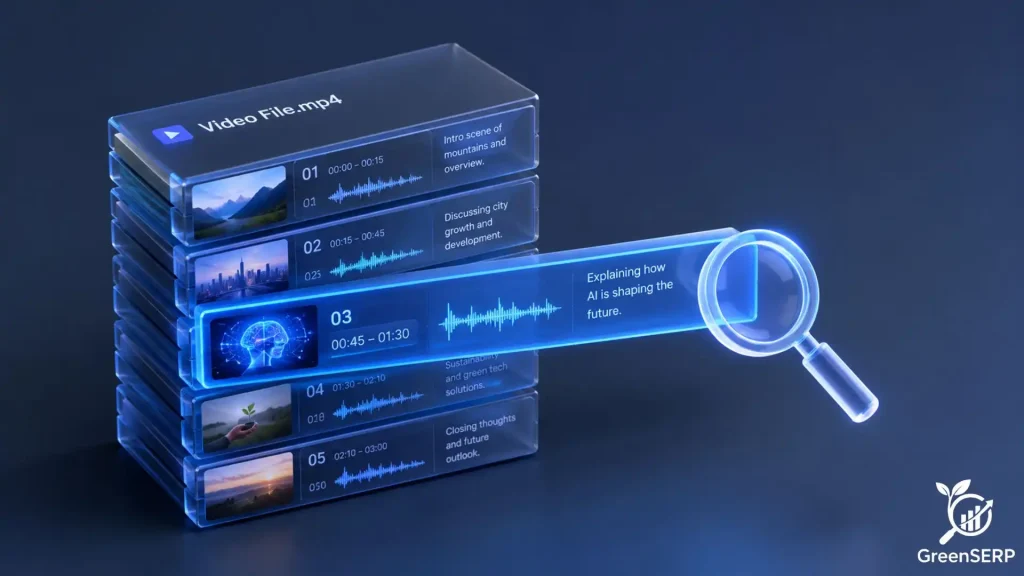
Modern search platforms use machine learning to understand the context of a video. This process is often referred to as “autodetect” because the software identifies key moments without a human telling it where they are.
However, the AI is not a mind reader. It relies on patterns, pauses, and keyword frequency to decide where one topic ends and another begins.
When a platform like YouTube uses autodetect, it scans the transcript for shifts in subject matter. It looks for visual cues, such as a change in the background or the appearance of a text overlay. If the speaker says, “Now, let’s look at the second step,” the AI marks that as a potential transition.
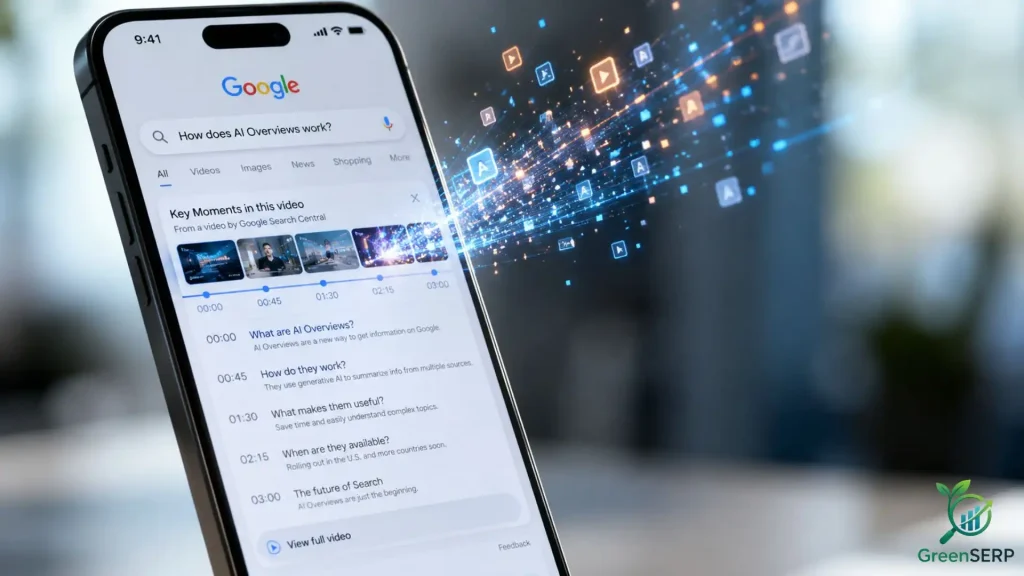
This technology benefits the creator. If the algorithm can accurately autodetect your content’s structure, it can display “Key Moments” directly in the Google search results. This allows users to jump straight to the information they need.
If your video lacks these clear signals, the AI may misinterpret your content or ignore it entirely in favor of a better structured competitor. Understanding this mechanism is the first step in creating a video that ranks well.
3. Strategic Chaptering: The Roadmap for Algorithms
Chapters are the most visible way to structure a video. They act as a table of contents that both humans and AI can read. While many platforms can autodetect chapters based on your speech, you should manually define them to ensure 100% accuracy. This manual input provides the AI with a definitive map of your content.
Why Chapters Matter
Chapters break down a long video into digestible pieces. This improves user retention because viewers can find what they want without scrolling endlessly.
From an SEO perspective, each chapter title is a new opportunity to rank for a specific keyword. If your video is about “Home Gardening,” a chapter titled “How to prune tomato plants” helps you appear in searches specifically for pruning advice.
Best Practices for Naming Chapters
Avoid vague titles like “Section 1” or “Introduction.” Instead, use descriptive, keyword rich phrases.
- Bad Example: Part 2: Tools
- Good Example: Essential tools for organic vegetable gardening
Consistency in timing also helps. Try to keep chapters at a reasonable length. A three‑minute chapter is easier for an AI to categorize than a 45‑minute block of text.
Ensure your chapter titles match the words you say at the beginning of that segment. This alignment reinforces the topic for the autodetect algorithms.
Exact Chapter Length Constraints:
YouTube Key Moments rarely trigger for clips shorter than 10–15 seconds or longer than 7 minutes. For optimal mobile screen real estate and maximum AI extraction eligibility, aim for a sweet spot of 1 to 4 minutes per chapter.
VideoObject Schema (SeekToAction Markup):
Manual timestamps in your description are only half the equation. To give Google’s web crawlers the same chapter map that the YouTube algorithm receives, translate your chapters into VideoObject schema with SeekToAction and HasPart markup (JSON-LD) on any page hosting your video.
Each chapter becomes a Clip entity with a startOffset and endOffset. This gives web crawlers an explicit blueprint of your video’s structure, independent of YouTube’s auto-detection, and can surface timestamped clips directly in Google web search results.
4. The Role of Hooks in AI Discovery
A hook is usually thought of as a way to keep a human watching. In the context of AI extraction, a hook serves a second purpose; it defines the relevance of the upcoming segment. Every time you start a new chapter or a new point, you need a mini‑hook.
The Verbal Hook
When you transition to a new topic, state clearly what you are about to discuss. Use the primary keyword for that section within the first ten seconds.
For example, if you are moving to a segment about “battery life,” start with: “Now we are going to test the battery life of this laptop.” This clear verbal signal makes it easy for speech to text algorithms to autodetect the subject change.
The Visual Hook
AI also analyzes the visual frames of your video. If you are talking about a specific product, show that product clearly on screen during the hook.
If you are discussing a concept, use a text overlay that matches your verbal hook. This multisensory approach provides the AI with multiple data points to confirm the topic of the segment.
How Modern AI Actually “Sees” Your Video:
The Visual Hook section above describes AI reading text overlays. Today’s multimodal AI including Google Gemini and models powering AI Overviews goes much further. It processes video at the pixel level, meaning it can: read code blocks or slide text rendered on screen even without a matching verbal description.
It recognizes similar context and how objects relate to one another in the frame. AI also tracks facial expressions, gestures, and presenter slides as semantic signals, and identifies scene cuts through frame‑level visual analysis.
Your visual hook should therefore go beyond a matching text overlay. Show the relevant object, diagram, or slide in frame at the exact moment you verbally name it. This multi‑signal alignment with verbal + visual + on‑screen text gives the AI three independent data points confirming the topic.
5. Building “Answer Blocks” for Search Snippets
An “answer block” is a specific portion of your video designed to answer a single question directly. Think of these as the video equivalent of a featured snippet on Google.
When a user asks a question like “How do I reset my router?”, the AI looks for a video segment that provides a concise, step‑by‑step answer.
How to Construct an Answer Block
To create an effective answer block, follow a simple formula:
- State the Question: Repeat the question you are answering.
- Provide the Direct Answer: Give a high level summary in one or two sentences.
- Offer Details: Provide the step‑by‑step instructions or deep‑dive info.
- Conclude the Point: Summarize the takeaway.
By following this structure, you create a self contained unit of information. AI systems love self contained units because they are easy to extract and present to users.
If your answer is buried in a long anecdote or interrupted by tangents, the autodetect feature may fail to identify it as a valid answer to a user’s query.
Rename to the “Video Inverted Pyramid”:
Strip all greetings (“Hey guys, welcome back to my channel!”) from the start of every chapter. Start the chapter directly on the target keyword noun to secure algorithmic extraction. Opening greetings will push your keyword past the critical first 15‑second extraction window.
Optimize for the “Information Gain” Score:
Google’s algorithms heavily weight “Information Gain”, rewarding content that provides unique value not found in other ranking results. The direct answer in your Answer Block must not repeat common knowledge. Your script should offer a unique data point, an uncopied framework, or an insider tip within that first 15‑second block. If your answer block reads exactly like Wikipedia’s text, the AI will prefer text over your video snippet.
Reverse‑Engineer the “Zero‑Click” SERP:
If the AI extracts a perfect 30‑second clip that completely solves the user’s issue, the user gets their answer directly on Google and never clicks through to your channel or website. Structure your answer blocks to give the what clearly satisfies the AI’s snippet requirement, but leave the how or the nuance slightly further down the line to incentivize the user to keep watching past the preview snippet.
6. Structuring Your Script for Machine Clarity
Writing for video now requires a balance between human engagement and machine readability. To help AI autodetect your key points, your script should be organized logically. This does not mean you should sound like a robot. It means you should be intentional with your language.
Use Signposting Language
Signposting involves using words that signal where the conversation is going. Examples include:
- “First…”
- “Consequently…”
- “In contrast…”
- “The main reason for this is…”
These phrases act as anchors for the AI. They help the algorithm understand the relationship between different ideas. If you use a list, say the numbers out loud.
“Number one, check the power. Number two, press the reset button.” This numerical structure is very easy for AI to index and display as a list in search results.
Avoid Pronoun Ambiguity
Humans can usually track what “it” refers to over the course of a long conversation. AI often fails at this. Instead of saying “It is very fast,” say “The M3 processor is very fast.”
Being specific with your nouns helps the AI maintain the context of the segment even if it is extracted from the middle of the video.
7. Technical Requirements for AI‑Ready Video
Structure is not just about what you say; it is about how you upload. To maximize the effectiveness of autodetect features, you must provide the necessary metadata.
Timestamps and Descriptions
Include a list of timestamps in your video description. Use the format MM:SS — Title. Most major video platforms use these timestamps to generate chapters automatically.
If you provide these, the AI doesn’t have to guess where your topics change. It will use your exact markers to index the video.
High‑Quality Transcripts
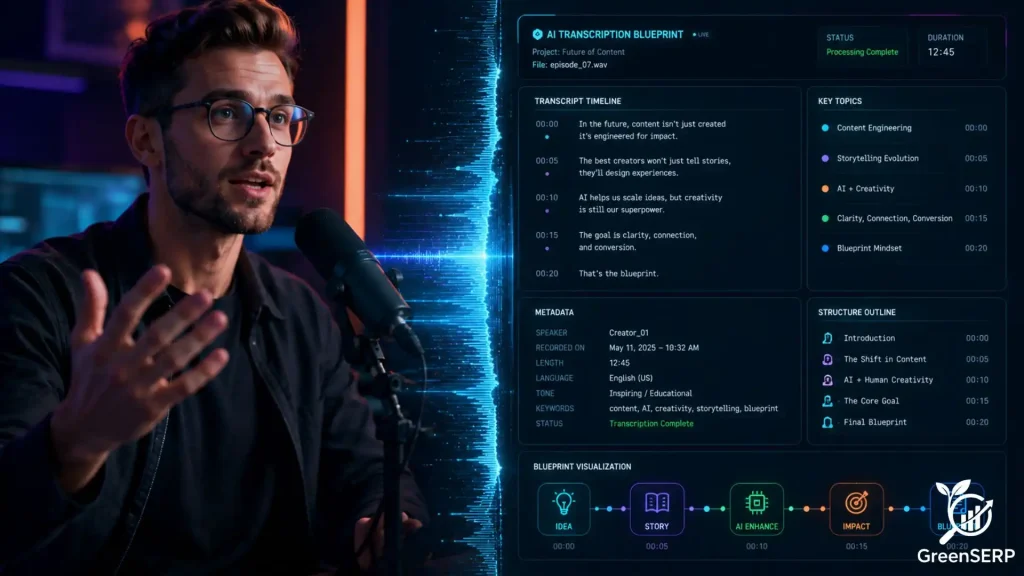
While platforms generate automatic captions, they are often full of errors. Uploading a clean, accurate transcript ensures the AI has the correct text to analyze.
If the transcript is wrong, the autodetect system might categorize your video under the wrong keywords. A clean transcript also improves accessibility, which is a secondary ranking factor for many search engines.
Using On‑Screen Text
AI can read the text that appears in your video. Use lower thirds, titles, and bullet points to emphasize key terms.
When the AI sees the text “Step 3: Installation” on the screen while you are saying those words, it confirms the importance of that moment. This alignment makes your content more authoritative in the eyes of the algorithm.
The “Acoustic Anchor” Strategy (Audio Engineering for AI)
AI speech‑to‑text engines like OpenAI’s Whisper and Google’s Chirp struggle with industry jargon, brand names, and overlapping audio. To improve transcription accuracy, apply the following during your Answer Blocks and verbal hooks:
- Slow your pacing by 10–15% specifically during the Answer Block. Normal conversational speed blurs word boundaries for transcription models.
- Lower background music to zero during hooks. Even low‑volume music competes with speech frequencies.
- Use crisp punctuation pauses. A 2‑second pause before and after a definition acts as a natural separator, signaling to the AI’s NLP layer where a sentence boundary lies.
- Mention target keywords clearly. For specialist jargon, also display the term as on‑screen text at the same moment to give the AI a visual feedback.
8. Checklist: Optimizing Your Video for AutoDetect
Use this checklist before you record and upload your next video to ensure it is structured for maximum AI extraction.
- Keyword Research: Identify the primary questions your audience is asking.
- Chapter Planning: Break your script into segments; no longer than 5 minutes.
- Verbal Signposting: Include clear transitions like “Now let’s move on to…”
- Answer Blocks: Ensure every question is answered directly and concisely at the start of its section.
- Visual Cues: Use text overlays that match your chapter titles.
- Accurate Timestamps: List all segments in the description field.
- Transcript Review: Correct any errors in the auto‑generated captions.
- Specific Nouns: Replace vague pronouns with specific product names or concepts.
- Hook Alignment: Make sure the first 10 seconds of each segment clearly state the topic.
- Schema Verification: For hosted videos, ensure HasPart or SeekToAction JSON‑LD schema matches the written timestamps perfectly to give search crawlers an explicit blueprint.
9. Conclusion: The Future of Modular Video
The way we find information is moving toward a modular model. We no longer want to watch a whole movie to find a two minute recipe. As AI becomes more advanced, its ability to autodetect and extract specific moments will only improve.
Creators who adapt to this reality will have a significant advantage. By using chapters, clear hooks, and dedicated answer blocks, you turn your video into a searchable database.
This makes your content more useful for viewers and more indexable for search engines. Focus on clarity, use logical structure, and always provide the AI with the metadata it needs to succeed. Your reward will be higher visibility and a more engaged audience.
